
Meta's ESM-2 Brings Protein AI to Microsoft Azure Without Writing Code
Meta's ESM-2 650M protein language model is now one-click deployable on Azure through the Hugging Face integration, opening managed endpoints for biology workloads.
Takeaways
- Meta's ESM-2 650M protein language model is now one-click deployable to Azure via Hugging Face integration.
- Deployment runs through Azure Machine Learning managed online endpoints with secure REST APIs.
- ESM-2 outperforms other single-sequence protein language models on structure prediction and enables atomic resolution predictions.
- Main uses: sequence embeddings, variant effect scoring, and fine tuning for protein tasks.
- Requires MIT/Apache-style license, Safetensors weights, and supported Transformers tag to qualify for one-click deploy.
- Weights download from Hugging Face Hub at deploy time, not stored in Azure registry, batch endpoints not supported.
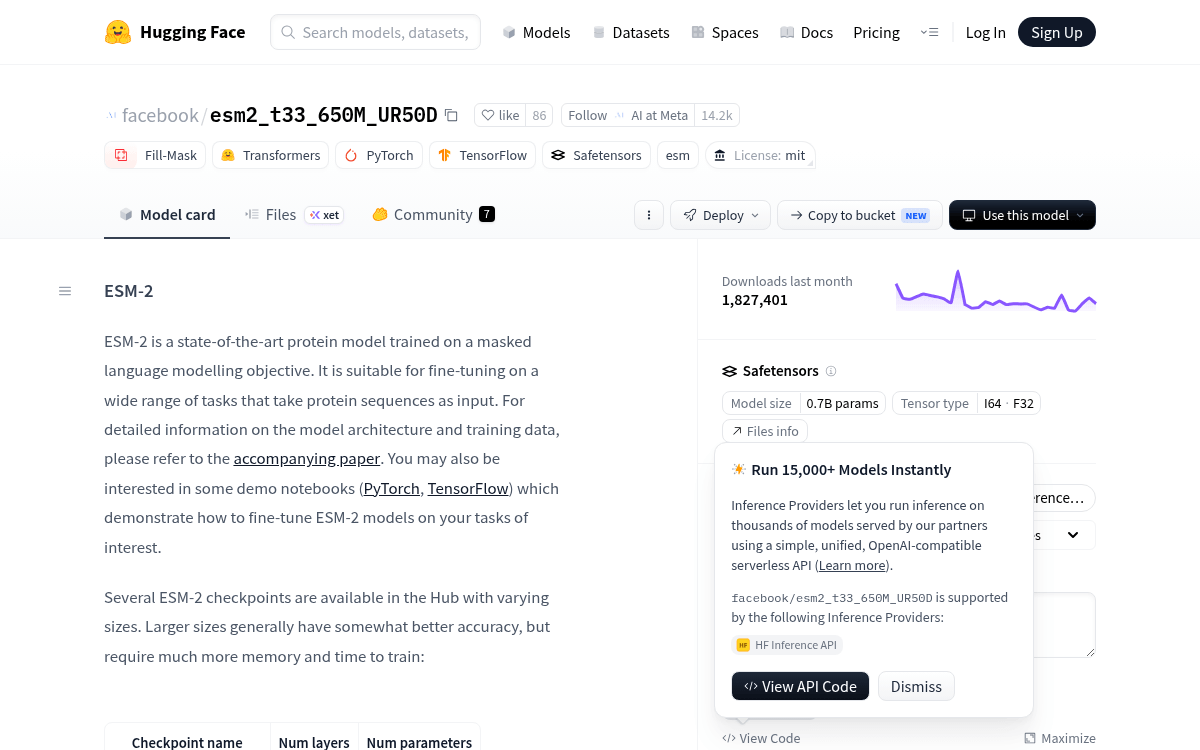
Meta's ESM-2 650M protein language model has joined the roster of Hugging Face checkpoints that support one-click deployment to Microsoft Azure. The model card on Hugging Face now carries a deploy:azure tag, meaning the 650M checkpoint can be spun up as a managed online endpoint straight from its Hub page, without writing deployment code or building a container.
Microsoft and Hugging Face have been quietly expanding this pipeline for general purpose transformers, but its arrival for a domain-specific protein model is what makes it worth noting. Biology teams working on Azure can now bring a protein language model into a secure managed endpoint alongside their existing enterprise workloads.
What actually shipped
Microsoft partnered with Hugging Face to bring open-source checkpoints from the Hub into the Foundry model catalog, wiring them up to scalable inference infrastructure on Azure. Over 10,000 models are directly accessible within Azure AI Foundry Hub and Azure Machine Learning Studio for one-click deployment, with continuous updates so day-0 releases of trending models are available on Azure as soon as they launch.
ESM-2 650M has now been enabled inside that catalog. The flow is straightforward: browse the Hub Models page or the Hugging Face Collection in the Azure ML Model Catalog, filter by task type, size, or inference engine support, click Deploy on the model card, and select Azure ML.