
GitHub's Copilot CLI Grows Into a Full Agentic Coding Environment for Terminals
GitHub Copilot CLI brings a full agentic coding assistant to your terminal, with voice input, rubber duck review, prompt scheduling, and multi-model support
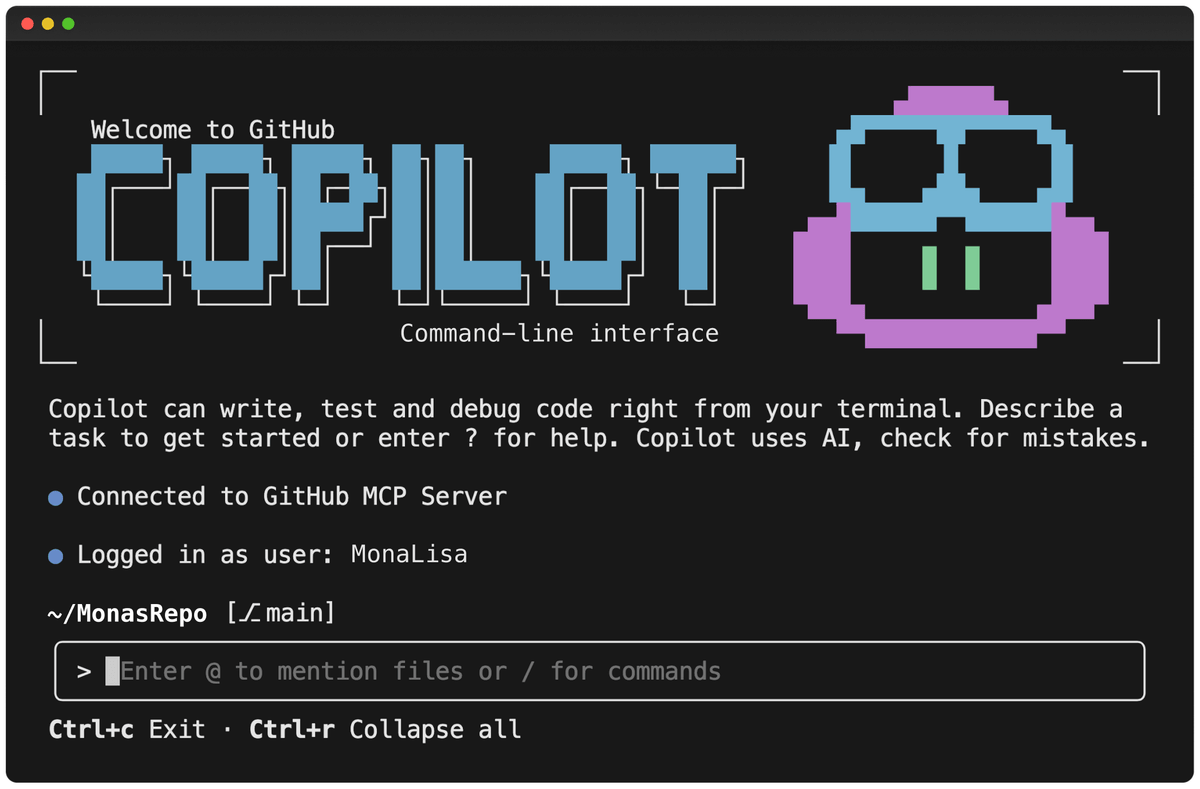
Takeaways
- GA for all paid subscribers: GitHub Copilot CLI is available to Copilot Pro, Pro+, Business, and Enterprise users with no extra cost beyond the subscription.
- Rubber duck agent: A built-in second AI agent reviews the main agent's plans and code for blind spots before execution, invokable via
/rubber-duck. - Voice input: Hold spacebar to dictate prompts; transcription runs locally on-device for privacy.
- Prompt scheduling: New
/everyand/aftercommands let you schedule recurring or delayed agent tasks within a session. - Multi-model support: Default is Claude Sonnet 4.5; GPT-5, Claude Fable 5, Claude Opus 4.8, and quota-free GPT-5 mini are also available via
/model. - MCP extensibility: Ships with GitHub's MCP server by default and supports custom MCP servers, LSP servers, and a plugin marketplace. Repo
GitHub Copilot CLI has grown from a simple command-line wrapper into a full-blown agentic coding environment that lives entirely in your terminal. With over 10,000 stars and 320+ releases shipped since general availability, the project is moving fast, and the recent wave of updates makes it worth a serious look for anyone who spends most of their day in a shell.
Not just autocomplete for your shell
The core idea is straightforward: run copilot inside any project directory, describe what you want in plain English, and the agent plans, edits files, runs commands, and opens pull requests, all with your explicit approval before anything executes. But the scope has expanded well beyond that original pitch.
GitHub Copilot CLI brings AI-powered coding assistance directly to your command line, enabling you to build, debug, and understand code through natural language conversations, powered by the same agentic harness as GitHub's Copilot coding agent.
The agent ships with three distinct operating modes you can cycle through with Shift+Tab:
- Interactive mode -- back-and-forth conversation, you approve each action
- Plan mode -- Copilot analyzes your request, asks clarifying questions to understand scope and requirements, and builds a structured implementation plan before writing any code
- Autopilot mode -- the agent keeps working until the task is done, with configurable continuation limits
What just shipped at Microsoft Build
GitHub Copilot CLI got a major refresh at Microsoft Build 2026. Rubber duck and voice input are now generally available, and both prompt scheduling and a new experimental terminal interface are available via