
GitHub's MCP Server Lets AI Agents Write Code and Open Pull Requests
GitHub's official MCP server gives any AI agent full programmatic access to repos, issues, PRs, Actions, and security tooling -- with nearly 30k stars and growing fast
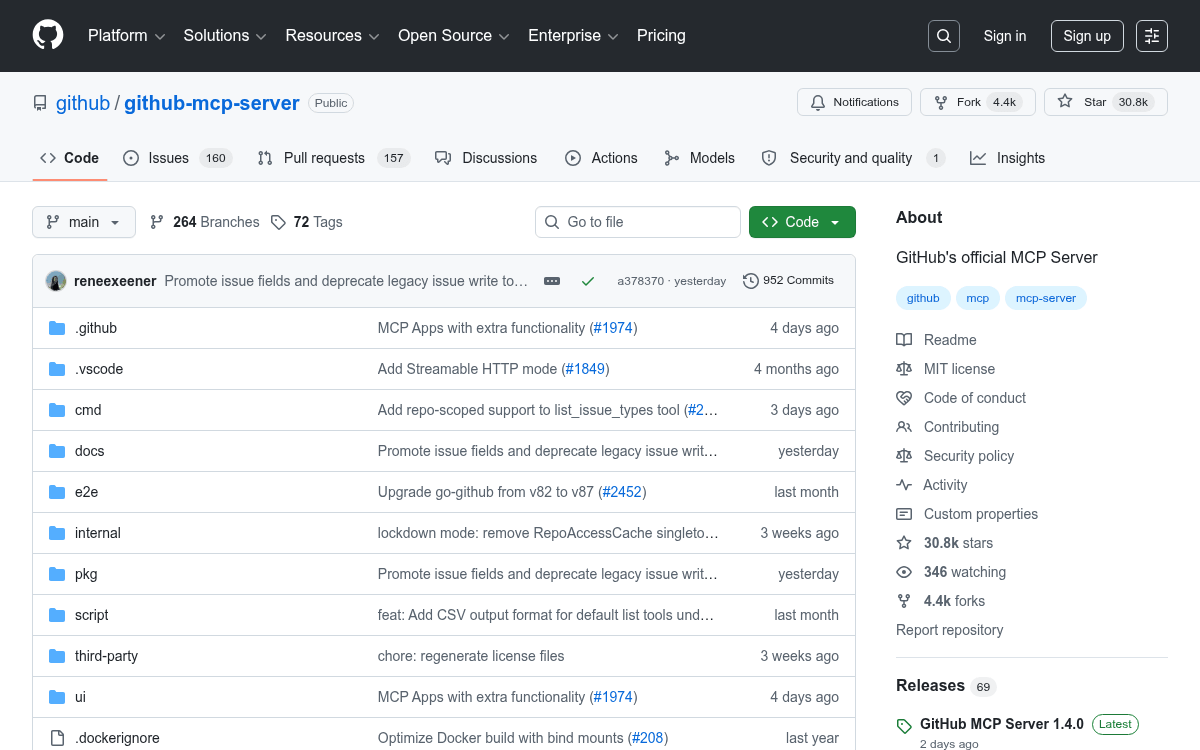
Takeaways
- GitHub's official MCP server lets any AI agent read repos, manage issues/PRs, trigger Actions, and query security alerts via natural language -- 30k+ stars on GitHub.
- Two deployment modes: a hosted remote endpoint at
api.githubcopilot.com/mcp/(OAuth, auto-updates) or a self-hosted Docker/Go binary with a PAT. - 19 modular toolsets covering repos, issues, PRs, Actions, Dependabot, secret scanning, Projects, discussions, and more -- only 5 are enabled by default to save context.
- Copilot coding agent integration lets any external agent assign a GitHub issue to Copilot, which then writes code and opens a draft PR autonomously via GitHub Actions.
- Prompt injection is a real risk: malicious content in public issues can hijack agents with private repo access; GitHub added lockdown mode and content sanitization as mitigations.
- MCP replaced Copilot Extensions entirely in November 2025 -- the GitHub MCP server is now the standard integration path across VS Code, JetBrains, Eclipse, and Xcode.
The GitHub MCP Server is GitHub's official bridge between AI agents and the entire GitHub platform. In plain terms: it lets any MCP-compatible AI tool -- Claude, Copilot, Cursor, Windsurf, Gemini CLI -- read your code, file issues, open pull requests, trigger workflows, and triage security alerts, all through natural language. No custom API glue code required.
What MCP actually is
MCP (Model Context Protocol) is a standard that helps LLMs access data and systems beyond their training data, standardizing how developers expose tools and context to models so they can interact with external systems in a safe, predictable way. Think of it like REST or GraphQL, but for AI agents. Instead of building custom integrations for every AI platform, developers can create an MCP server once and use it everywhere.
One of the core problems MCP solves is the "N x M integration problem": integrating N tools (like Slack, GitHub, or databases) with M model frontends (like ChatGPT, Gemini, or Claude) creates an explosion of one-off integrations. GitHub's server is the official answer to that problem for everything living on GitHub.
What it can actually do
The server is organized into modular toolsets -- groups of related capabilities you can enable or disable independently. The full list covers nearly every surface of GitHub:
- repos -- browse files, read commits, push changes, manage branches and releases
- issues -- create, update, search, comment, manage sub-issues and labels
- pull_requests -- open, review, merge, update PRs; add inline review comments
- actions -- list workflow runs, fetch job logs, trigger workflows, download artifacts
- code_security -- list and inspect code scanning alerts
- dependabot -- query Dependabot vulnerability alerts by severity or state
- secret_protection -- surface secret scanning alerts
- projects -- manage GitHub Projects boards, items, and status updates
- discussions -- read and list repo discussions and comments
- notifications -- list, dismiss, and manage notification subscriptions