
PPT Master Hits 28K Stars Turning Any PDF Into Editable PowerPoint
PPT Master converts any PDF, DOCX, or URL into a fully editable PowerPoint with real native shapes, animations, and AI-voiced narration — no design skills needed.
Takeaways
- PPT Master is an open-source tool that converts any PDF, DOCX, URL, or Markdown into a fully editable PowerPoint with real native shapes, not images.
- It works as a workflow skill inside AI coding environments like Claude Code, Cursor, or VS Code Copilot — you chat, it builds the deck locally.
- The core innovation is an SVG-to-DrawingML pipeline: AI generates SVGs (which it knows well), then Python scripts convert them to native PowerPoint objects.
- Features include native OOXML animations, AI image generation (14 backends), audio narration with voice cloning, and template fill mode.
- Cost is as low as $0.08 per deck; MIT licensed; data never leaves your machine. Best results require Claude Opus + gpt-image-2.
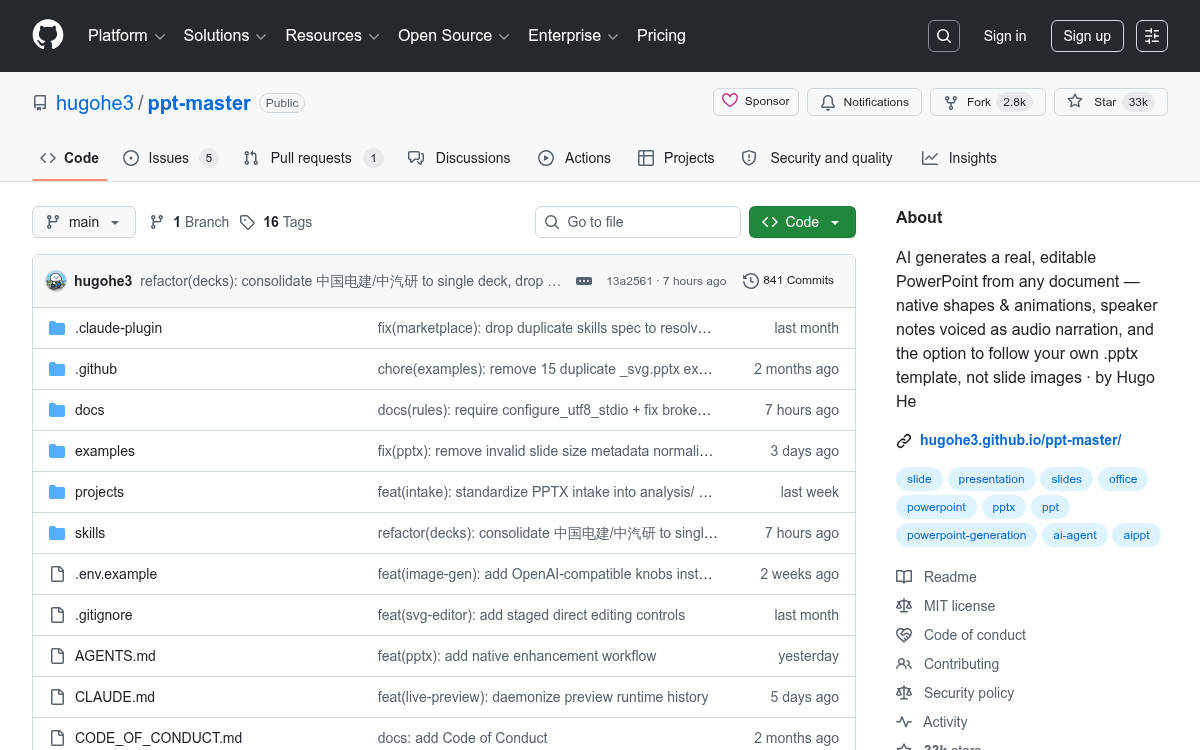
- The repo has 28,000+ GitHub stars and 2,500+ forks; available now at github.com/hugohe3/ppt-master.
Most AI slide tools hand you a locked image dressed up as a presentation. PPT Master takes the opposite approach: drop in a PDF, Word doc, URL, or Markdown file, and you get back a real, natively editable PowerPoint where every text box, shape, and chart is clickable and modifiable. No flat images. No platform lock-in. The whole pipeline runs locally on your machine.
The project has crossed 28,000 GitHub stars with over 2,500 forks, a signal that the frustration with image-based AI slides is real and widespread. It's MIT-licensed, free to use, and the only cost you pay is your AI model API usage.
The problem it actually solves
AI presentation tools have quietly settled into a bad habit. Most of them generate slides as rasterized images , one big picture per slide , then package them into a .pptx container. The file opens in PowerPoint, but you can't edit anything. It's a screenshot with a file extension.
PPT Master categorizes the landscape clearly:
- Template fill-in tools , partially editable, but locked to a fixed template structure
- Image-based tools , each slide is a picture; zero element-level editing
- HTML presentation tools , web-only, not a real PPTX at all
- PPT Master , real DrawingML shapes, text boxes, and charts; click anything to edit it
DrawingML is the underlying XML format PowerPoint uses internally to represent shapes. PPT Master outputs actual DrawingML objects, which means you can recolor a shape, resize a text box, or swap a chart's data after the AI is done , just like a deck you built by hand.
The SVG-to-DrawingML trick
The engineering insight at the core of this project is the choice of SVG as an intermediate format. The technical design doc explains the reasoning by elimination.
Direct DrawingML generation is too verbose and AI models have little training data for it. HTML has a fundamentally different layout model , it describes document flow, while PowerPoint describes an absolute-coordinate canvas. Embedding SVGs as images destroys editability entirely. SVG wins because it shares the same world view as DrawingML: both are absolute-coordinate 2D vector graphics formats built around the same primitives.