
RemoveWindowsAI Strips Copilot and Recall Before Windows Update Brings Them Back
A PowerShell script with 10,000+ stars lets you surgically strip Copilot, Recall, and every other AI feature from Windows 11 — and keep them gone through updates.
Takeaways
- What it is: RemoveWindowsAI is a free, MIT-licensed PowerShell script that removes Copilot, Recall, and all AI features from Windows 11.
- Reinstall-proof: It installs blocker packages into the Windows CBS servicing store so Windows Update can't silently restore removed AI components.
- Granular control: Supports 11 individual flags (e.g.
RemoveRecallFeature,DisableCopilotPolicies), a GUI, backup mode, and full revert mode. - Key risk: Modifying CBS store packages can break future Windows updates; always test in a VM and enable backup mode first.
- Industry signal: The repo's 10,800+ stars reflect widespread frustration with Microsoft's forced AI rollout — and community pressure has already prompted Microsoft to scale back its "Copilot everywhere" plans.
- Use PowerShell 5.1 only: PowerShell 7 is explicitly unsupported and will cause issues; run as Administrator.
RemoveWindowsAI is an open-source PowerShell script that does exactly what its name says: it rips Copilot, Recall, and every other AI component out of Windows 11 , and then actively prevents Windows Update from putting them back. With over 10,800 GitHub stars and 348 forks, it has become the go-to tool for a growing slice of the Windows user base that wants their OS back.
The problem it's solving
Windows 11 version 25H2 marks a significant shift in the OS architecture, with each update integrating deeper AI functionality into the core Windows experience. Trust issues started with Windows Recall in 2024, which was delayed an entire year after users raised serious privacy and security concerns , but instead of pulling back, Microsoft doubled down in 2025 by placing Copilot buttons across built-in apps like Notepad, Paint, and File Explorer, even when the integrations added little to no real value.
The core frustration isn't just aesthetics. Copilot often reappears after major updates as Microsoft resets taskbar and Group Policy settings, Recall settings can toggle back to "on" after a system overhaul, and each major build introduces new AI features or cloud integrations that weren't present before. In other words, manual opt-out is a treadmill.
What the script actually does
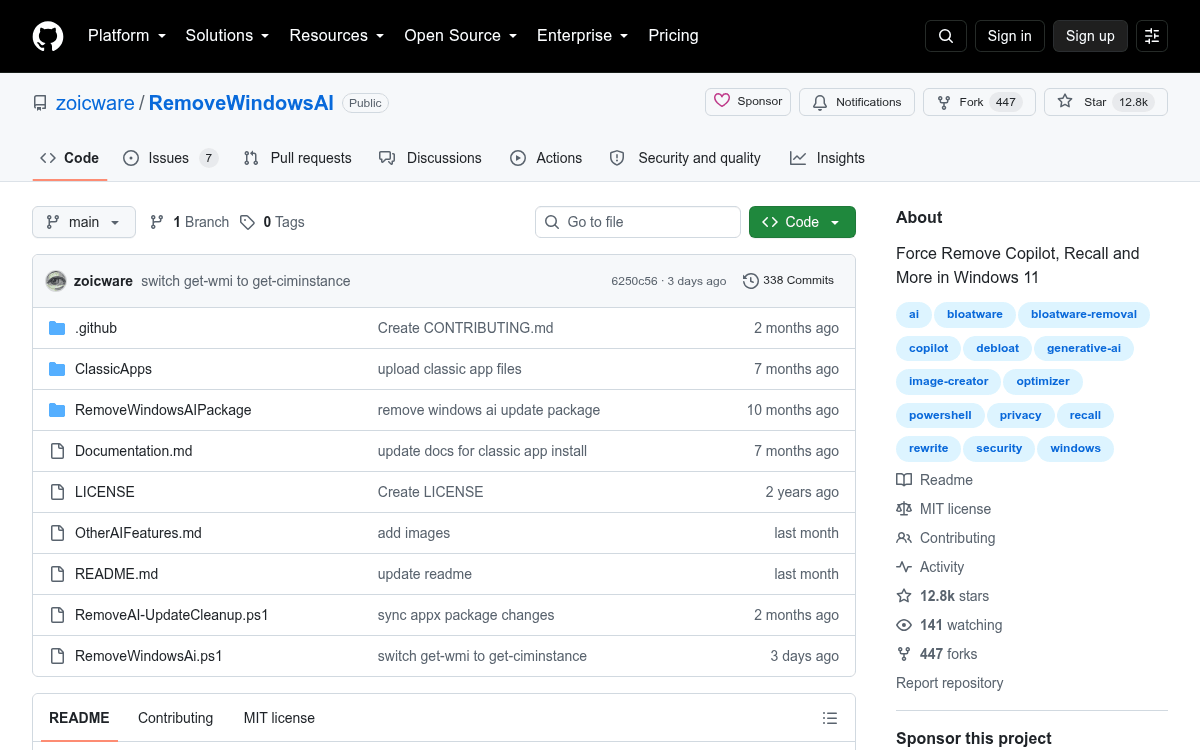
The repository bundles a PowerShell script, a GUI wrapper, documentation, and optional "blocker" packages intended to prevent Windows Update from silently re-provisioning removed components. It operates at multiple layers of the OS simultaneously , not just toggling a settings switch.
Here's the full list of what it targets:
- Registry edits: Disables Copilot, Recall, Input Insights, AI Actions, AI Voice Effects, Gaming Copilot, Copilot in all Office apps, AI features in Photos, and Click to Do in Snipping Tool