
Theo's T3 Code Gives 100,000 Developers a Free GUI for AI Coding Agents
T3 Code is a free, open-source GUI that lets you orchestrate Claude Code, Codex, Cursor, and OpenCode from one desktop app — no tokens resold, no subscriptions stacked.
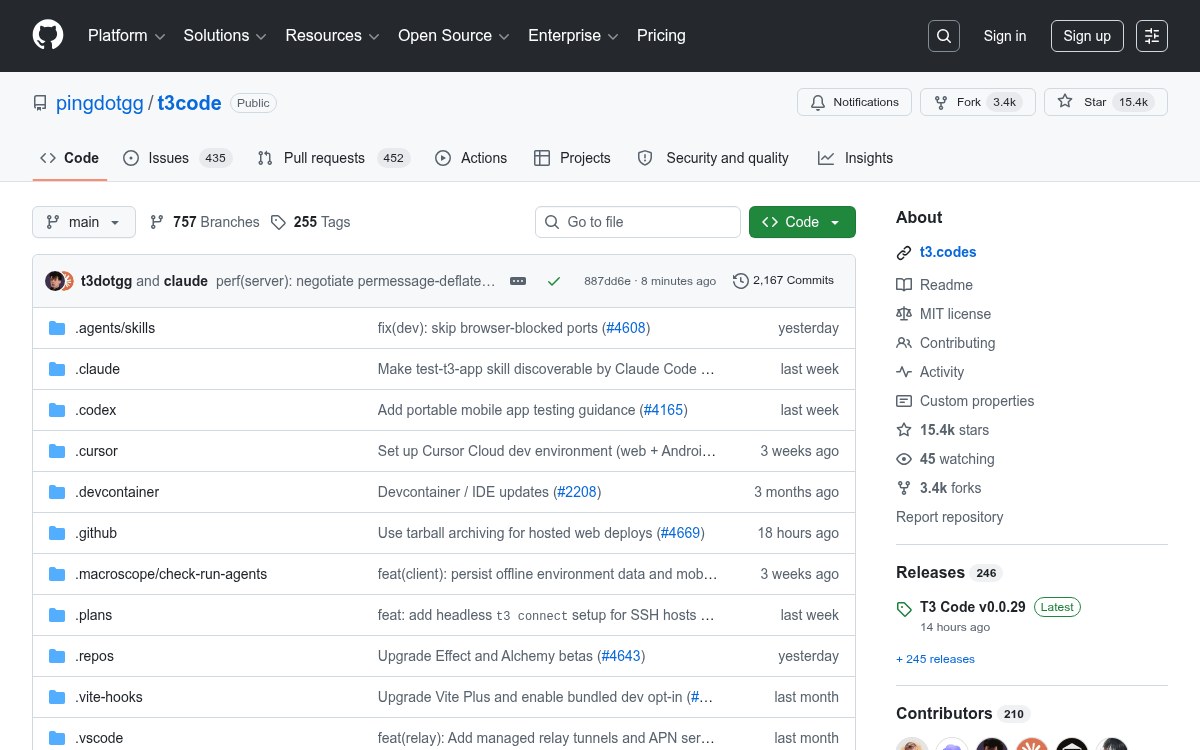
Takeaways
- T3 Code is a free, open-source desktop GUI that orchestrates Claude Code, Codex, Cursor, OpenCode, and Grok from one interface.
- Bring-your-own-subscription model: no tokens resold, no extra fees — it uses your existing agent credentials.
- Git worktree integration lets agents work on isolated branches while you keep editing on main, with a built-in diff viewer per turn.
- One-click commit → push → PR workflow auto-generates commit messages and PR bodies, then opens GitHub directly.
- Available now via
npx t3@latest, Homebrew, winget, or AUR; MIT licensed with 15k+ GitHub stars. - Still in early development with 887 open issues, but actively maintained with daily pushes and 106 releases so far.
T3 Code is a free, open-source desktop app built by Theo (of T3 Stack fame) that puts a proper GUI on top of the CLI coding agents you already pay for. It connects to existing services like OpenAI's Codex or Anthropic's Claude Code using your own API keys, providing a graphical interface for interactions that would otherwise happen in a terminal or a cloud-hosted web app. Over 100,000 developers are using it, and the GitHub repo has cleared 15,000 stars.
The problem it solves
If you've ever had three Claude Code sessions open in separate terminals, lost track of which branch an agent was working on, or had to copy-paste a diff into your editor just to review it, T3 Code was built for you. AI coding tools have split into two camps: GUI-first editors with built-in AI, and CLI-first terminal agents. T3 Code sits between them deliberately, on the premise that the underlying agent engines are already capable and what's missing is the orchestration layer around them.
What's inside
The interface uses a three-panel layout: a left sidebar listing your local Git repos, a middle panel showing all threads per project, and a main chat panel showing prompts, responses, the agent's plan, and real-time tool calls. Before sending any prompt, you get fine-grained controls: