As AI agents like Claude Code and tools like Cursor take over the manual writing of syntax, the developer's role has fundamentally shifted. The new job is writing specifications and expressing complex intent to these agents.
The bad news is that your ability to express goals and intents has become the bottleneck, as has been acknowledged by AI leaders like Andrej Karpathy. The good news is that goals and intents are expressed in natural language, which means you can receive a huge speed boost with speech-to-text systems.
When building context for AI models, developers are physically bottlenecked by their own typing speed:
- Typing averages around 45 words per minute.
- In contrast, speech reaches approximately 220 words per minute.
Voice input is four times faster than typing, allowing developers to match their communication speed to their actual thinking speed. This is the problem that Wispr Flow is set to solve.
What is Wispr Flow
Wispr Flow is a speech-to-text tool powered by an AI editing layer that polishes the output based on context. It is not a notetaker app or a chatbot that you open separately. It is designed to make you more productive in the tools you're already using.
When using Wispr Flow, you press a hotkey and speak, and clean, formatted text appears wherever your cursor is active in any application. But Wispr Flow is not a simple dictation tool.
Standard voice-to-text tools just transcribe exactly what you say. The problem is that human speech is messy. We say "um," repeat ourselves, pause, and speak in run-on sentences.
For example, if a developer uses standard dictation, the output usually looks something like this:
"um hey cursor open the user auth controller dot t s file and update the uh verify user token function so it matches the new schema"
To fix this text, the developer has to put their hands back on the keyboard to delete the filler words, capitalize the right letters, and fix the syntax. That manual cleanup defeats the entire purpose of using voice to save time.
Wispr Flow inserts an AI processing step between capturing your voice and injecting the text into your application. This "editing layer" acts as an instant, invisible proofreader.
Instead of typing out exactly what you said, the editing layer understands your intent and formats it perfectly. It handles several key transformations automatically:
- Syntax formatting: It translates spoken words into proper technical casing, accurately generating camelCase, snake_case, file paths, and library names.
- Filler removal: It instantly strips out hesitations, stutters, and filler words.
- Contextual punctuation: It applies proper punctuation and per-app tone matching so the text reads naturally.
- Personalized vocabulary: It uses a personal dictionary to catch niche edge cases, internal tool names, and specific acronyms.
Running that exact same spoken ramble through Wispr Flow's editing layer results in this:
"Open the user_auth_controller.ts file and update the verifyUserToken() function so it matches the new schema."
The value of the tool isn't getting words on a screen; it is getting perfectly formatted words on a screen.
Real workflows: Voice in the IDE and terminal
Wispr Flow works across Mac, Windows, iPhone, and Android using a single universal hotkey. It supports over 100 languages and auto-detects and code-switches between languages dynamically.
The tool easily integrates into developer environments like Cursor, VS Code, JetBrains, Claude Code, and the terminal. You can also use it in communication and DevOps platforms such as Slack, Linear, and GitHub.
Consider a standard debugging scenario. Instead of typing a weak, abbreviated prompt, a developer working in an AI IDE holds the hotkey and speaks a complete specification:
"I'm getting an error in the Stripe webhook handler. Update the payment processing module to handle the new retries gracefully, ensure the fallback matches our schema, and wrap it in a try-catch that logs to Datadog."
The developer stays entirely in their flow state without breaking focus to type out massive blocks of context. This allows engineering teams to easily build high-context prompts, write detailed PR descriptions, complete code reviews, and document complex bug repros.
Under the hood
How does Wispr Flow work to create clean, formatted text from your speech?
- The pipeline: The process begins with push-to-talk capture and moves to transcription.
- The cleanup layer: An AI edit and format pass removes filler words, applies punctuation, formats the text, applies appropriate tone, and substitutes personal dictionary terms.
- The inject layer: The final text is injected at the OS level using input APIs.
System-level injection through OS input APIs is the core engineering mechanism. Hooking directly into native OS input APIs allows Wispr Flow to simulate keystrokes universally. This means it works natively inside a local terminal or a desktop app without needing individual plugins or browser extensions for each environment.
Limitations
While Wispr Flow speeds up input, it is important to understand its current limits.
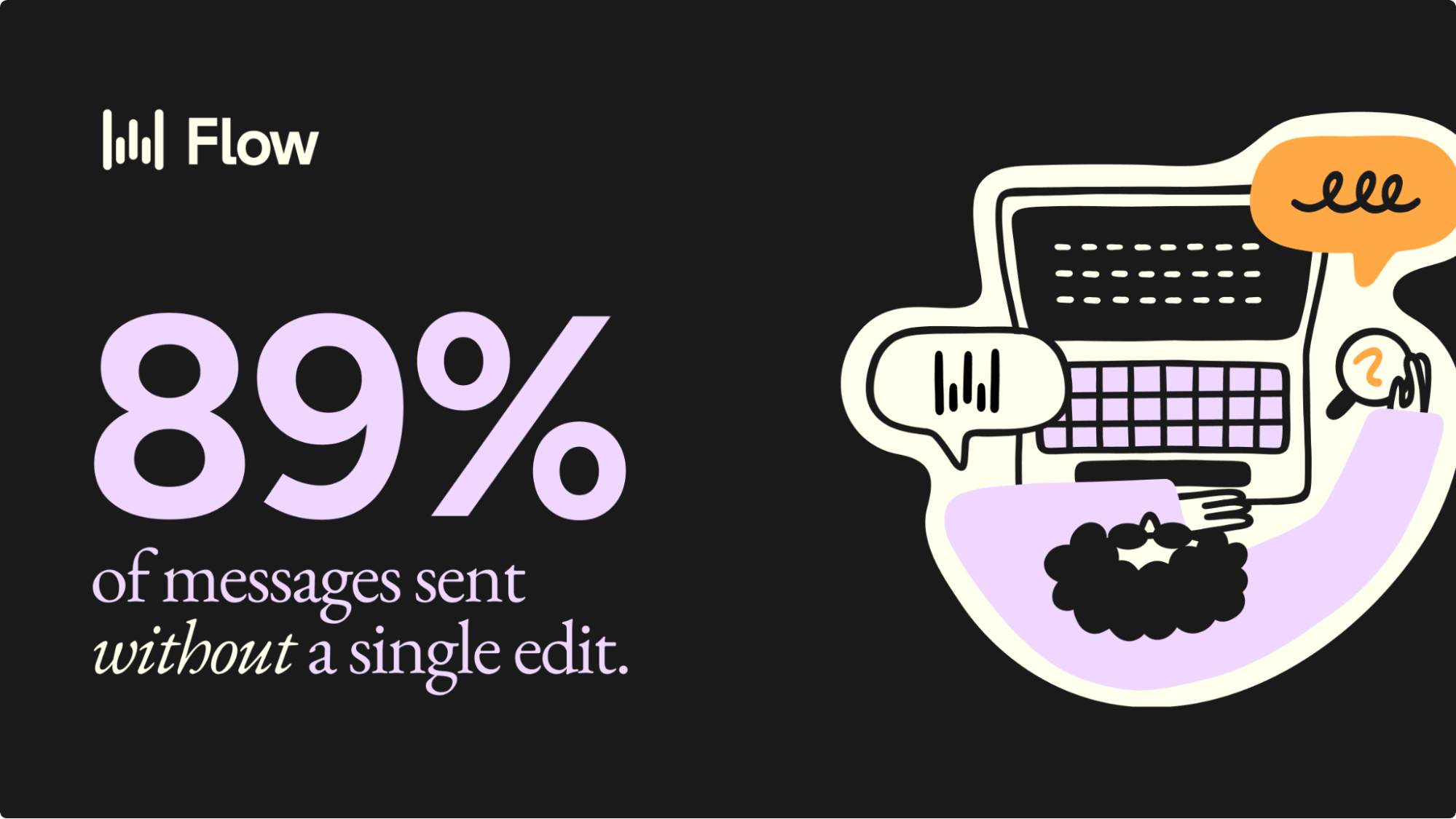
Currently, 89% of dictated messages are sent with no edits. The roughly 11% of outputs that still require a manual cleanup pass typically involve novel names, internal tool words, or highly niche acronyms.
There are also environmental factors to consider:
- The AI runs in the cloud, which introduces latency dependencies.
- Accuracy can degrade in noisy rooms or when processing strong accents.
- Users face a roughly one-week muscle-memory learning curve to successfully transition from typing to speaking.
Privacy and enterprise security
For teams concerned about audio routing and listening protocols, the application is strictly push-to-talk. It runs in the background but is not an always-listening device.
Work accounts on Wispr Flow are secured with SOC 2, HIPAA, and ISO 27001 compliance, providing the necessary enterprise controls for deployment.
Get started with Wispr Flow
Engineering teams at OpenAI, Vercel, Clay, Replit, and Warp currently use the tool.
Yash Tekriwal, a developer at Clay, says: "With Flow, I can give ChatGPT 10x the context in half the time." And AI engineer Zachary Proser is using Wispr Flow to write code at above 170 words per minute.
You can start with Wispr Flow for free. The Pro tier costs $12/month and includes a 14-day trial that requires no credit card.
Get started now.